How to Get Your Jaipur Cafe on Google Maps Top 3 — Complete GMB Guide 2026
Google My Business is the single most powerful FREE tool to get your Jaipur cafe found on Google Maps. Here is exactly how to optimize it and rank in the top 3.
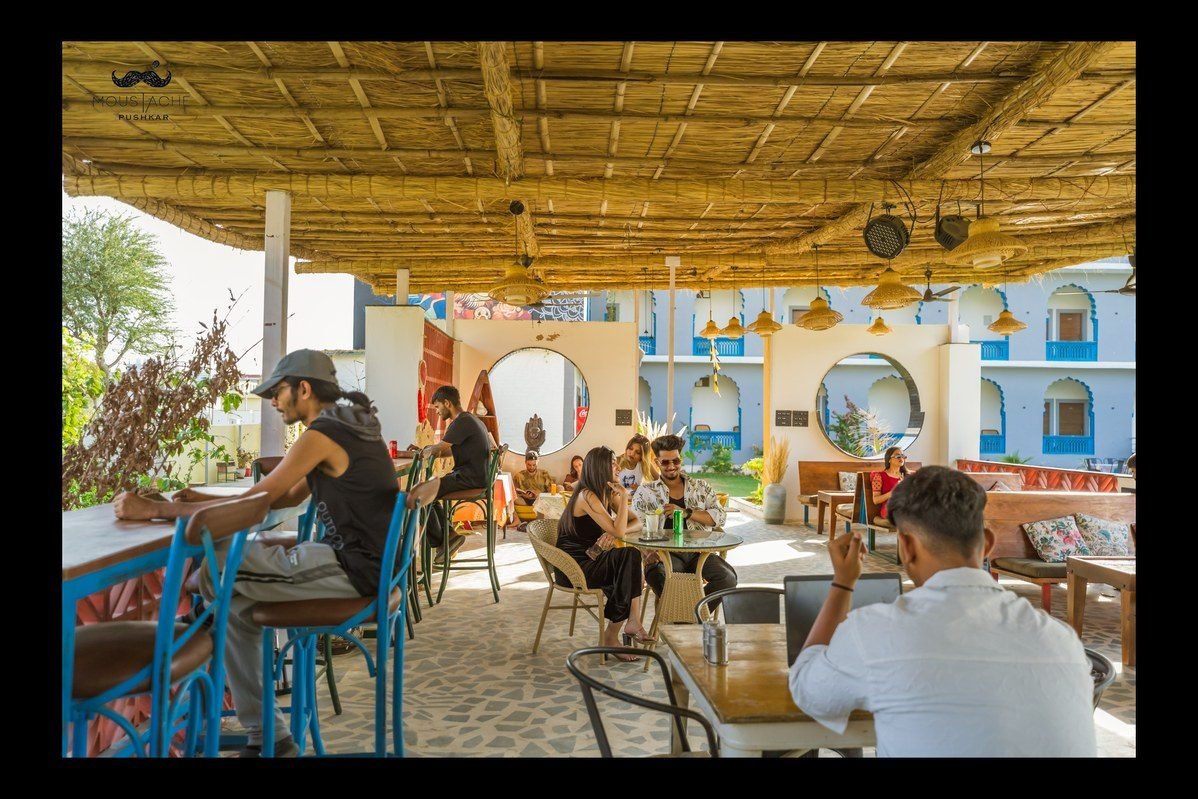
You have the best chai in Jaipur. Your cafe has beautiful decor, great food, and happy customers. But when someone nearby searches 'cafe near me' on Google — your competitor shows up first. Sound familiar?
This is the reality for hundreds of cafe and restaurant owners in Jaipur. The good news? Google My Business (GMB) is the single most powerful FREE tool to fix this — and most businesses are not using it properly.
In this guide, Desi Growth Media breaks down exactly how to optimize your GMB profile and rank in the top 3 on Google Maps in 2026.
What is Google My Business and Why Does It Matter?
Google My Business (now called Google Business Profile) is the listing that appears on Google Search and Google Maps when someone searches for a local business.
For cafes and restaurants in Jaipur, it is the #1 source of new walk-in customers.
Consider these facts about local search in India:
- 76% of people who search 'near me' visit a business within 24 hours
- Businesses with complete GMB profiles get 7x more clicks than incomplete ones
- Photos on GMB listings generate 42% more direction requests
- Jaipur sees over 2 lakh monthly searches for cafes, restaurants, and food-related queries
Step 1: Claim and Verify Your GMB Listing
If you have not claimed your GMB listing yet, go to business.google.com and search for your business. If it appears, click 'Claim this business'. If not, click 'Add your business to Google'. Complete the verification process — Google will send a postcard with a PIN to your registered address within 5–7 days.
Step 2: Complete Every Single Section of Your GMB Profile
Most Jaipur cafe owners fill in only the basics — name, address, phone. That is a huge missed opportunity.
Here is what a fully optimized profile looks like:
- Business Name: Exact legal name only
- Category: Choose the most specific primary category (e.g. 'Cafe' not just 'Restaurant')
- Address: Exact address with landmark (e.g. 'Near Hawa Mahal, Pink City')
- Phone: Add both primary and alternate numbers
- Website: Link directly to your website
- Hours: Add regular hours AND special holiday hours
- Description: Write a 750-character keyword-rich description
- Services: List every item — dine-in, takeaway, delivery, private events
- Attributes: Add Wi-Fi, outdoor seating, parking, pet-friendly, etc.
Step 3: Upload Photos Strategically
Google rewards active profiles that regularly upload new photos.
Here is the photo strategy Desi Growth Media uses for cafe clients:
- Upload 20+ photos on Day 1: exterior, interior, food items, staff, menu
- Add 3–5 new photos every week — Google notices activity
- Use geo-tagged photos (taken on a phone with location on)
- Add a short video walkthrough of your cafe
- Upload seasonal photos for festivals — Diwali decor, Holi specials, etc.
Step 4: Get Reviews the Right Way
Reviews are one of the top 3 ranking factors for GMB.
Here is how to collect them ethically and consistently:
- Create a short Google Review link from your GMB dashboard and share it on WhatsApp with every customer
- Add a QR code at your billing counter linking to your review page
- Train your staff to verbally request reviews after a positive interaction
- Reply to EVERY review within 24 hours — positive and negative
- Never buy fake reviews — Google detects and removes them, and may suspend your profile
Step 5: Post on GMB Weekly
GMB Posts are like mini social media updates that appear directly on your Google listing. Most cafes ignore this feature completely — which means it is a huge opportunity for you.
Post once a week about:
- Weekly specials or new menu items
- Upcoming events or live music nights
- Festival offers (Navratri thali, Diwali special, etc.)
- Behind-the-scenes photos or staff spotlights
- Customer shoutouts and reviews
How Long Does It Take to Rank in Top 3?
With a fully optimized GMB profile and consistent activity, most Jaipur cafes can expect:
- Position 4–7 within 2–4 weeks
- Top 3 position within 6–10 weeks with consistent reviews and posts
- Position 1 in 3–4 months with strong review velocity and backlinks
Conclusion
Google My Business is not a one-time setup — it is an ongoing strategy. The cafes and restaurants in Jaipur that consistently post, collect reviews, and keep their profiles updated are the ones showing up at the top.
At Desi Growth Media, we manage complete GMB optimization for cafes, restaurants, and hospitality businesses in Jaipur. If you want to dominate local search and drive consistent walk-ins, book a free growth audit with us today.
Frequently asked questions
Is Google My Business free for a Jaipur cafe?
Yes. Google My Business, now called Google Business Profile, is free. It is the listing that appears on Google Search and Google Maps when someone searches for a local business.
How do I verify my cafe on Google Maps?
Go to business.google.com, search for your business and click 'Claim this business', or 'Add your business to Google' if it does not appear. Google will send a postcard with a PIN to your registered address within 5–7 days.
How often should I post and add photos on my GMB profile?
Post once a week about specials, events, festival offers or customer shoutouts, and add 3–5 new photos every week. Google rewards active profiles.
How long does it take to reach the top 3 on Google Maps?
With a fully optimized profile and consistent activity, most Jaipur cafes can expect position 4–7 within 2–4 weeks, the top 3 within 6–10 weeks, and position 1 in 3–4 months with strong review velocity and backlinks.